.png)

Posted on:
September 22, 2026
How to Build an Enterprise Presentation System
Most enterprise teams still start every presentation from a blank slide. A new deck gets built from scratch, branded inconsistently
Most enterprise teams still start every presentation from a blank slide. A new deck gets built from scratch, branded inconsistently, and formatted differently depending on who made it and when. An Enterprise Presentation System changes that entirely.
An EPS is a structured presentation infrastructure that makes every deck a repeatable, assembled output rather than a design task. Instead of starting from zero, teams pull from approved components, pre-built slide modules, and centralized assets. The result is a presentation that looks like it came from one organization, regardless of who built it.
This guide walks through the complete four-part EPS framework: Foundation, Content Library, Data Visualization System, and Assets Library. By the end, you will have a clear, actionable process for building one inside your organization.
Why Enterprises Need Presentation Infrastructure, Not Just Presentation Design
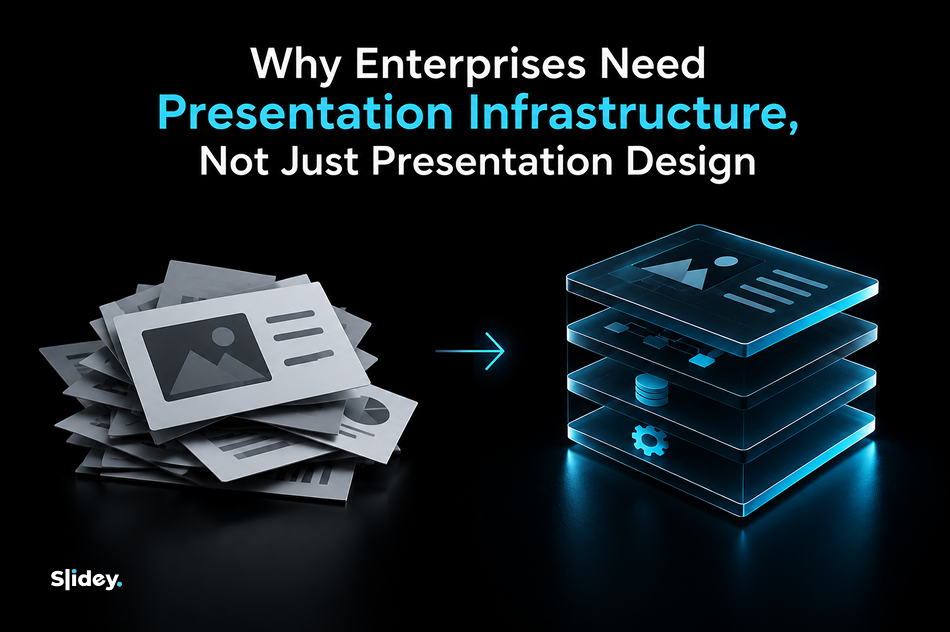
Most enterprises approach their presentation problem by investing in better design. They hire a designer, buy a template, or issue brand guidelines. The problem returns within a quarter
The issue is not design quality. It is the absence of presentation infrastructure. When there is no system, every department improvises. Sales uses one slide style. Finance uses another. The executive team uses a third. Clients and investors see all three, and none of them match.
This fragmentation has real costs. Teams spend hours rebuilding slides that already exist somewhere else in the organization. New hires cannot find approved materials. Brand consistent presentations become a personal responsibility rather than a system output.
What enterprises actually need is a single source of truth for every presentation produced across the business. For corporate presentation design to work at scale, it has to be governed by a system, not managed slide by slide.
According to industry analysis, large enterprises account for over 57 percent of the global presentation software market. The infrastructure gap at that scale is not a minor inefficiency. It compounds across every department, every quarter, and every client-facing moment.
The 4-Part Enterprise Presentation System Framework
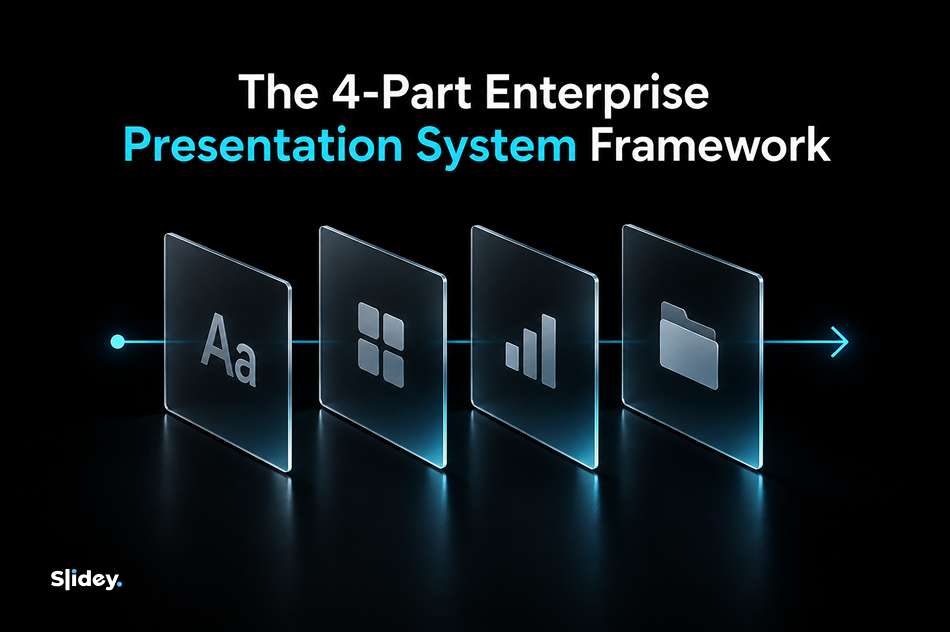
An EPS is not four separate tools. It is four layers of one system, each one building on the last. The Foundation sets the visual rules. The Content Library stores reusable slide modules. The Data Visualization System standardizes how data appears. The Assets Library centralizes every brand element. Together, they create a presentation governance and compliance structure that scales across the entire organization.
1. Foundation Design Standards and Visual Language
The Foundation is the rulebook every other layer builds on. It defines the master template structure, layout grids, typography hierarchy, color system, and slide master architecture that every presentation in the organization must conform to.
Without a foundation, every designer and every employee makes individual decisions about font sizes, spacing, and color usage. Those decisions accumulate into brand inconsistency across hundreds of decks produced every year.
A well-built foundation includes a primary deck template, a secondary template for internal use, and a set of presentation design standards that govern how each element is applied. It also defines what is off-limits: non-brand fonts, unapproved color combinations, logo placements that break visual hierarchy.
Custom PowerPoint templates built at the foundation level are the most leveraged design investment an enterprise can make. Every deck built on top of a well-structured template inherits its quality automatically, without requiring a designer to be involved each time.
2. Content Library The Slide Repository
The Content Library is where pre-approved, reusable slide modules live. Instead of building a company overview slide from scratch for the fourth time this quarter, a team member opens the library and pulls the approved version directly into their deck.
A presentation content library is organized by topic and use case. Common categories include company overview, product or service modules, case studies, team slides, roadmaps, pricing structures, and FAQ slides. Each module is pre-approved, on-brand, and ready to assemble.
The shift this creates is significant. Teams stop building presentations and start assembling them. A slide library management system that is well-maintained means a 50-person team can produce decks that look like one team built them, because they are all drawing from the same approved source.
Self-service slide creation becomes possible when the library is structured clearly. Anyone in the organization can build a client-ready deck without waiting for a designer, because every component they need already exists and already meets brand standards.
3. Data Visualization System Standardized Charts and Data Storytelling
Data is the most inconsistently presented element across enterprise decks. One department uses bar charts with brand colors. Another exports raw Excel graphs with default blue fills. A third uses pie charts for data that should be a waterfall. The result is an executive team that cannot trust the data they are looking at, because it looks different every time.
A data visualization system for presentations establishes standardized chart types, color-coded data rules, and a consistent visual language for presenting metrics and KPIs across all departments.
Chart standards for enterprise teams typically include approved chart types by data category, a color system that distinguishes positive from negative performance, axis labeling conventions, and rules for when to use tables versus charts. Data storytelling also becomes part of the system: not just how charts look, but how they are sequenced and annotated to guide the reader to the right conclusion.
When data visualization is standardized, executive trust in presentations increases because the format becomes predictable and readable. Inconsistency in chart design is one of the most common reasons boards and leadership teams slow down on data-heavy presentations.
4. Assets Library Logos, Icons, Imagery and Brand Elements
The Assets Library is the centralized store for every approved brand element used in presentations: logos in all approved formats and sizes, icon sets, approved photography, illustration styles, and brand marks.
Without a centralized assets library, teams pull logos from old email attachments, use outdated icon sets downloaded from stock sites, and insert photography that does not match the brand aesthetic. The damage accumulates invisibly until a major pitch reveals the inconsistency.
A well-structured assets library is version-controlled and access-managed. When a logo is updated, the library reflects the change immediately and every new deck built after that point uses the correct version. Digital Asset Management integration is a common requirement at the enterprise level, connecting the assets library to the broader brand asset management infrastructure already in place.
For organizations building this layer from scratch, branding services that include asset creation and organization are often the fastest way to establish a clean, complete starting point.
How an EPS Works Across Presentation Software for Enterprise Teams
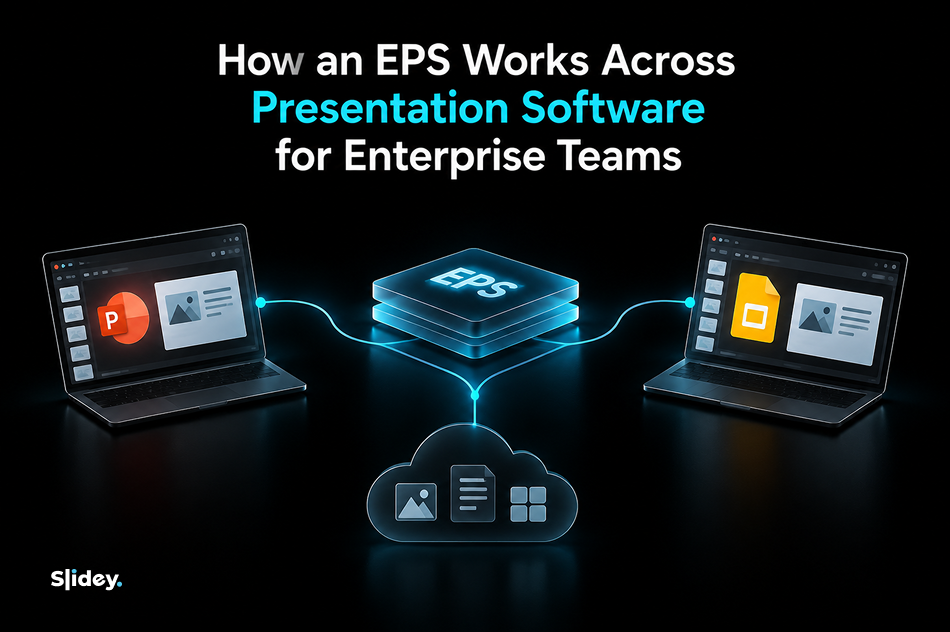
An Enterprise Presentation System is a system layer, not a tool. It sits above the presentation software your teams already use and makes that software work consistently rather than replacing it.
The practical output of an EPS is a set of files: PPTX master templates for PowerPoint users, Google Slides equivalents for teams working in the browser, and a shared assets library accessible from either platform. Cross-platform compatibility is a non-negotiable requirement for most enterprise teams, where different departments default to different presentation software for enterprise teams.
PPTX export compatibility and Google Slides mirroring are built into the system design from the start, not retrofitted later. The result is that a deck built by the London office in Google Slides and a deck built by the New York office in PowerPoint look identical when they land in the same client meeting.
Benefits of Enterprise Presentation Software Done Right
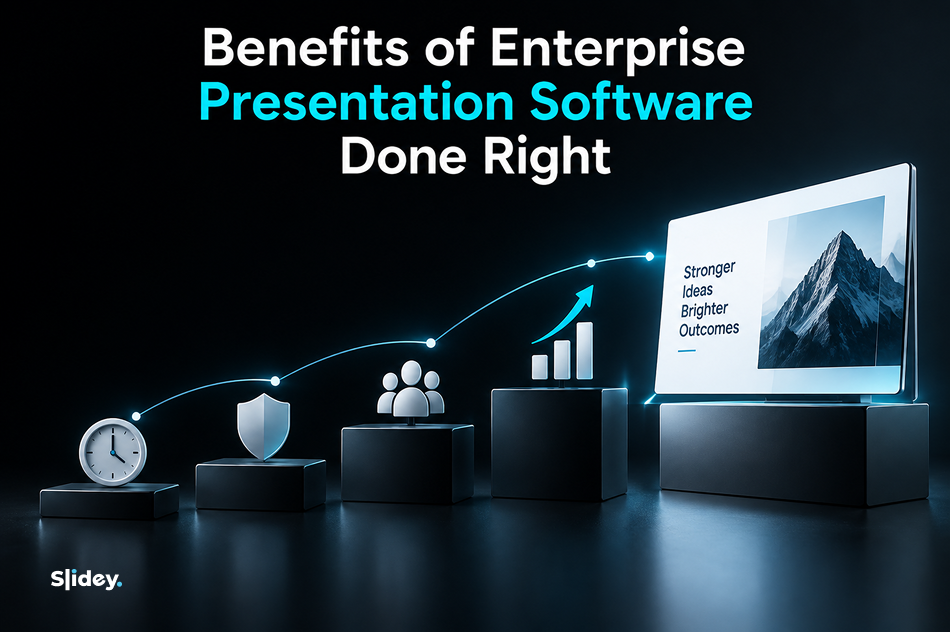
The return on an EPS is measured in time recovered, brand equity protected, and revenue-ready presentations produced faster.
Brand consistency at scale becomes the default rather than a manual effort. Every deck that leaves the organization reflects the same visual identity, regardless of who built it or which software they used.
Teams move faster. Assembly replaces creation. A deck that previously took four hours to build from scratch takes forty-five minutes when the components already exist. New hire onboarding improves because approved materials are findable and ready to use from day one.
Executive-ready output becomes accessible to the whole organization. When the system is well-built, a sales manager can produce a board-quality deck without involving a designer, because the quality is built into the components themselves.
For organizations that want to maintain and evolve their EPS over time, ongoing presentation design support ensures the system stays current as the brand evolves and new use cases emerge. Presentation ROI compounds when the system is actively maintained rather than allowed to drift.
Step-by-Step: Building Your EPS
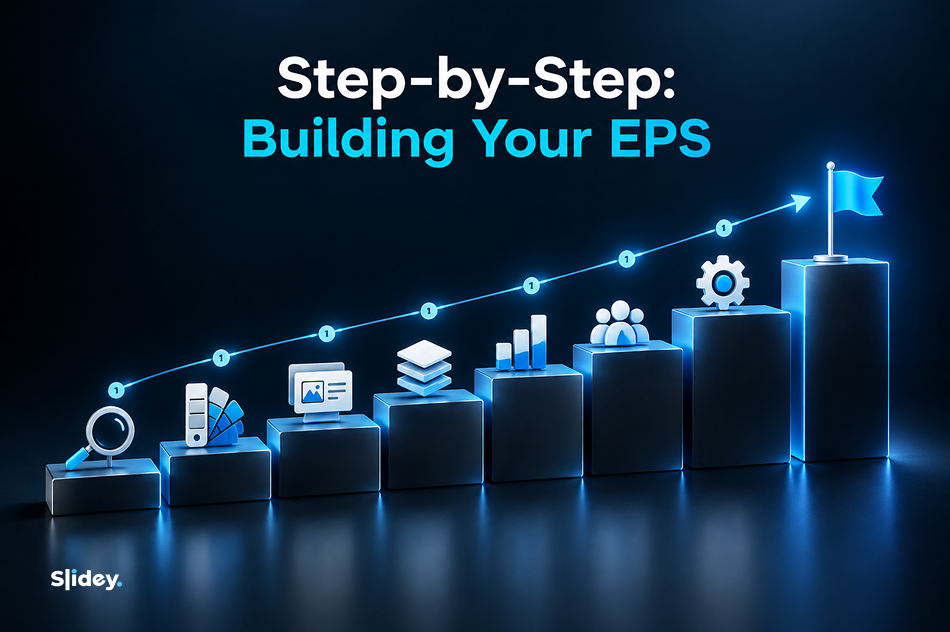
Building an EPS follows a sequenced process. Each step builds on the previous one and skipping steps creates gaps that undermine the system's reliability.
Audit your existing decks. Pull the last twenty presentations produced across three or four departments. Document every inconsistency in fonts, colors, layouts, and chart styles. This audit defines the scope of the problem and the baseline you are building from.
Define your brand foundation. Establish the master color palette, approved typefaces, layout grids, and spacing rules that will govern every template. If brand guidelines already exist, validate them against the audit findings and fill any gaps.
Build the master templates. Create a primary deck template and a secondary internal template in both PowerPoint and Google Slides. Build the slide master structure so that layout changes cascade automatically rather than requiring manual updates. This stage is the foundation of your presentation platform development and determines how reliably the entire system scales across departments.
Build the content library. Identify the twenty to thirty slide types your organization produces most frequently. Build an approved, on-brand version of each one and organize them by use case in a shared location every team can access.
Standardize data visualization. Define approved chart types by data category, establish color rules for data, and document annotation standards. Train the teams that produce the most data-heavy presentations on the new standards.
Centralize the assets library. Collect every approved logo, icon, image, and brand mark into a single version-controlled location. Remove access to outdated asset folders and redirect all teams to the central source.
Roll out and train teams. The system only works if people use it. Run a short onboarding session for each department, document where everything lives, and establish a clear process for requesting new slide modules when use cases arise that the library does not yet cover.
Govern and maintain. Assign ownership of the EPS to a specific person or team. Schedule a quarterly review to update templates when brand elements change, add new modules to the content library, and audit decks to check compliance with the system standards. As the system matures, presentation automation becomes possible: triggered updates, locked template fields, and version-controlled assets that keep the system current without requiring manual intervention every time a brand element changes.
Signs Your Company Needs Presentation Governance Now

Every deck your organization produces looks different depending on who built it. Teams spend hours rebuilding slides they know exist somewhere but cannot find. There is no shared slide library anyone actually uses. Charts look different across departments even when they are presenting the same data. New hires cannot locate approved materials on their first day and default to creating their own.
These are not design problems. They are presentation governance failures that repeat every quarter until a system replaces improvisation.
The blank slide problem is the most visible symptom. When a team member opens PowerPoint and starts from a blank slide, the EPS does not exist yet. The broken deck problem is the most expensive symptom: presentations that miss business opportunities because they failed to communicate clearly, not because the underlying content was weak.
If more than two of these signs apply to your organization, the infrastructure gap is already costing you more than the system would cost to build.
Conclusion
If your teams are still starting from blank slides, the EPS framework above gives you the exact build sequence to change that. The system is not complex to understand. It takes discipline to build and maintain, but the return compounds over time as every deck produced across the organization draws from the same approved, on-brand components.
If you want an assessment of your current presentation setup before starting the build, book a free consultation and we will identify the gaps and prioritize the build sequence for your specific organization.


.svg)